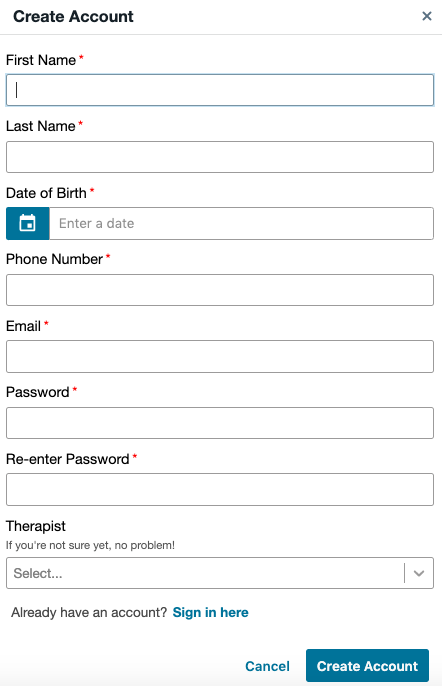
To get started with our Client Portal, you’ll need to create an account. Simply click the green “Create Account” button at the bottom of the page. You will be prompted to another window and at the top of the menu select create account once again.
You’ll be asked to provide the following information:
- First Name
- Last Name
- Date of Birth
- Phone Number
- Password
If applicable, you can also choose your preferred Therapist during this process. After filling out the form, a verification email will be sent to the email address you provided, please be sure to select verify.
Once your account is set up, you can log in anytime using the “Sign In” button found on our home page for Spiler Psychotherapy.
Here is an example of the form to fill out to create your account.